Dashboard
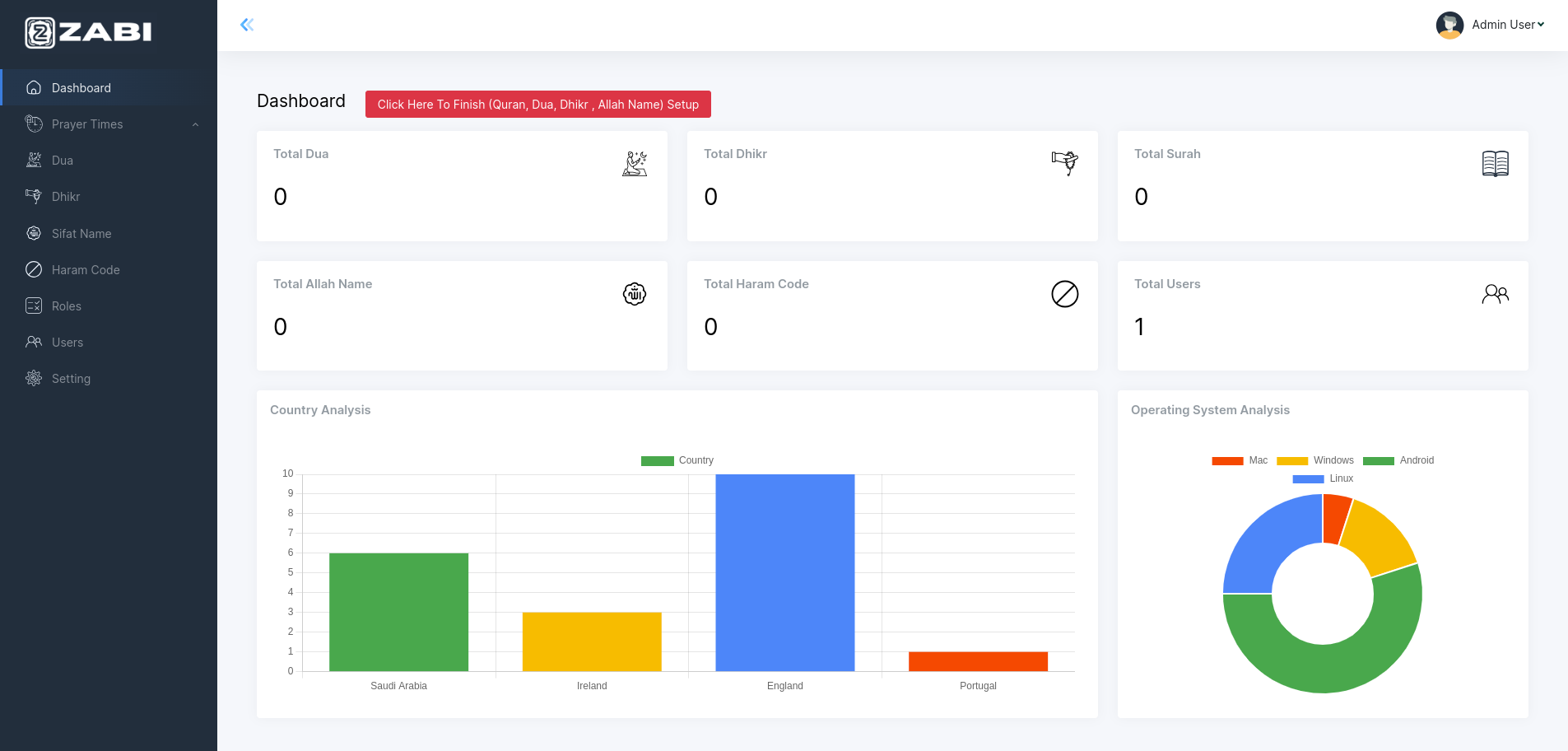
- In first view you need to setup Quran, Dua , Dhikr Arabic Name , Haram Code.To make this
happen please click on the red button and wait.I will take sometime.If you don't setup this you will
not able to view these on Mobile Apps.
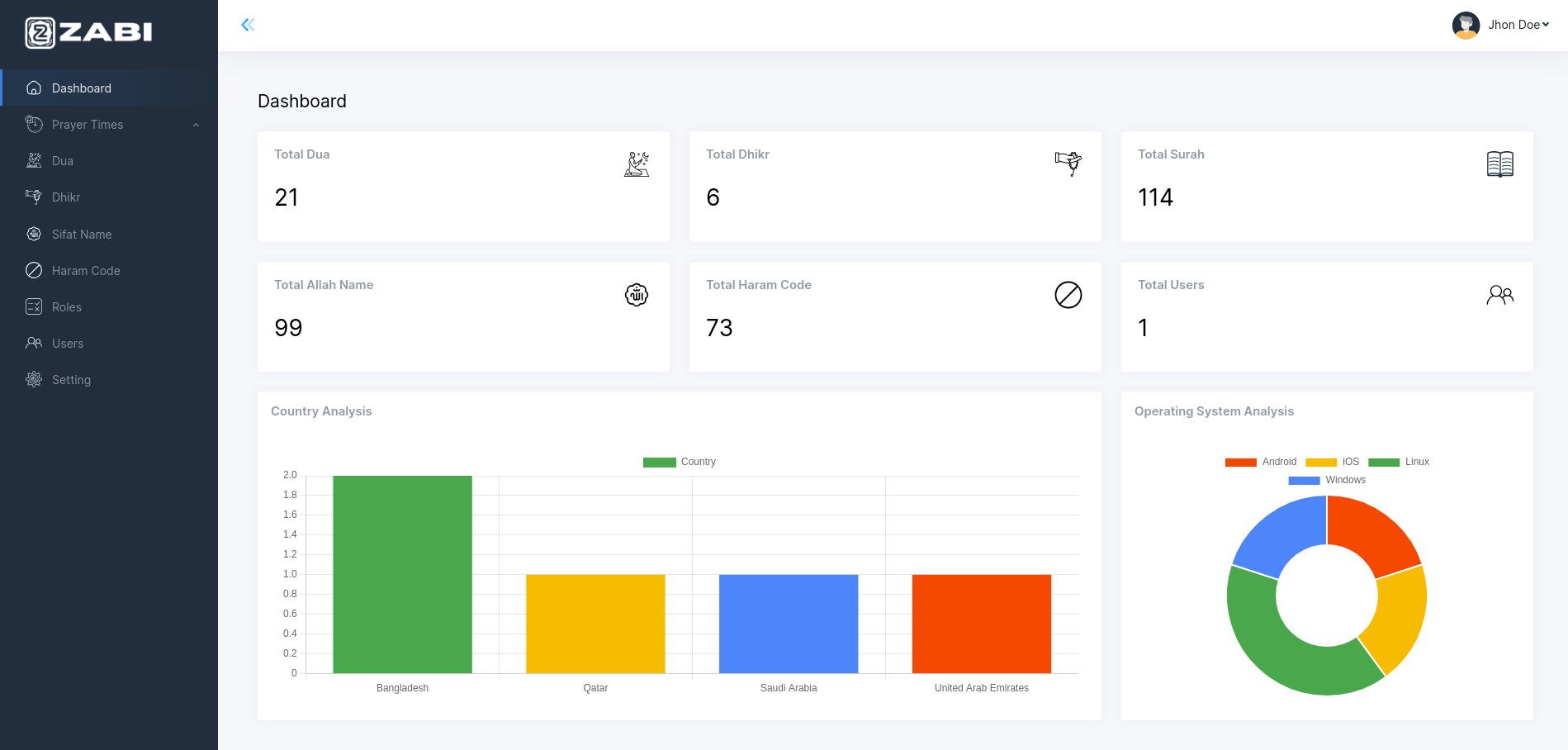
- View every application status on the dashboard to stay informed
and up-to-date. You can also see the profile section, Country
Analysis and Operating System Analysis also from the dashboard.
Prayer Times
-
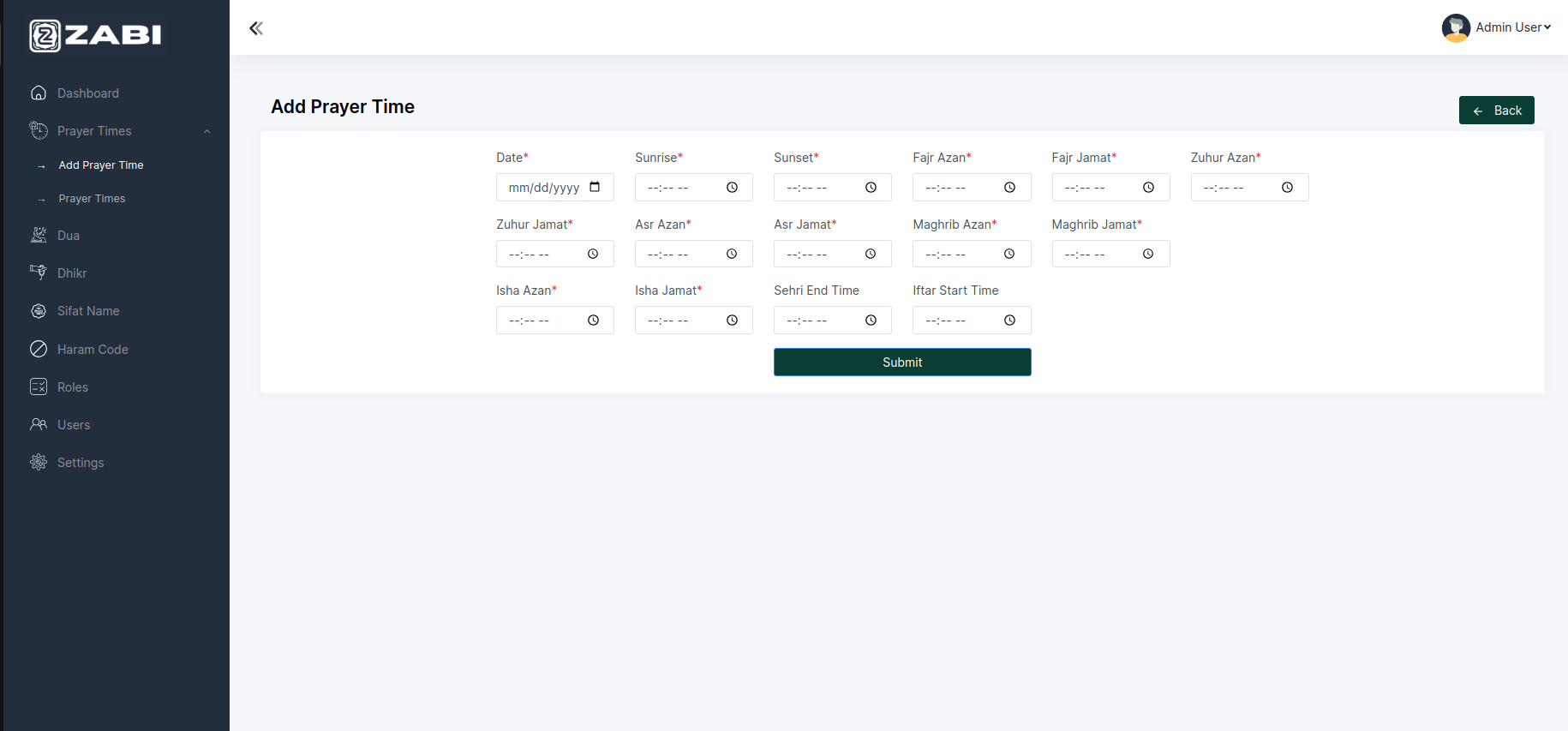
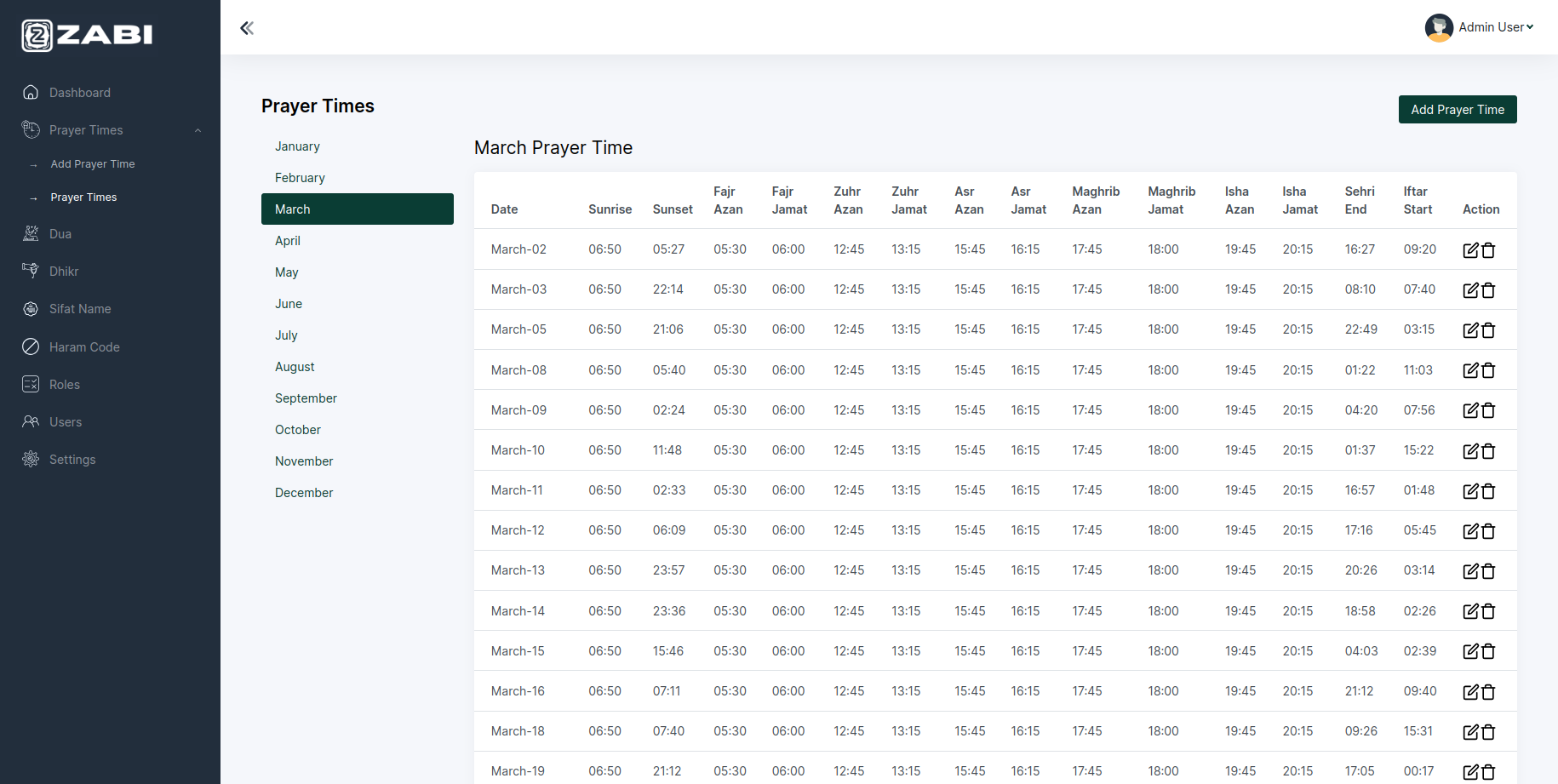
You can add prayer times and see the year-round prayer
times on monthly wise.
-
You can view prayer time month wise for current year from here.
Audio Quran
-
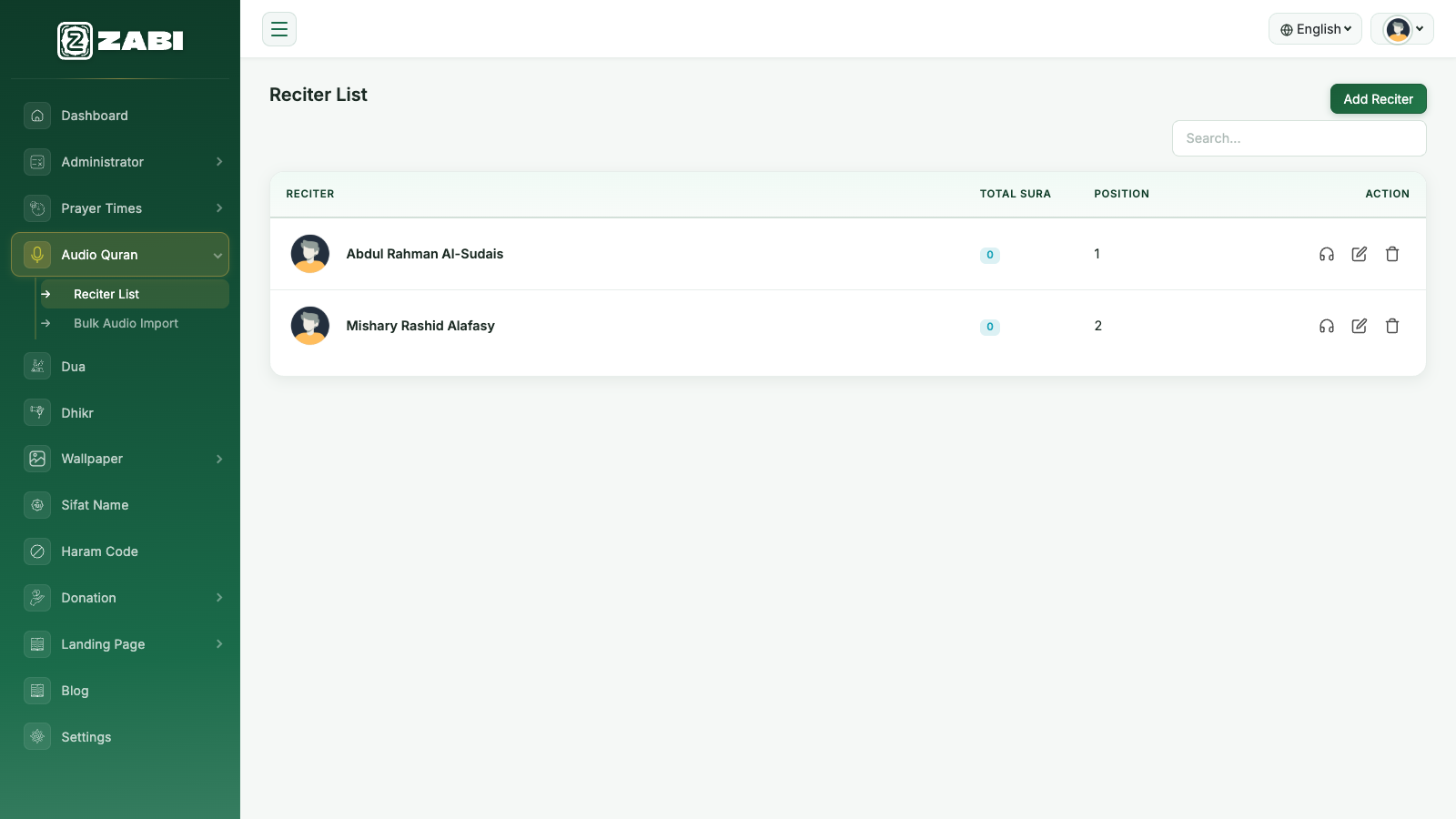
From here you can manage the reciters available for Quran
audio playback in the app. You can add, sort, edit and remove
reciters.
-
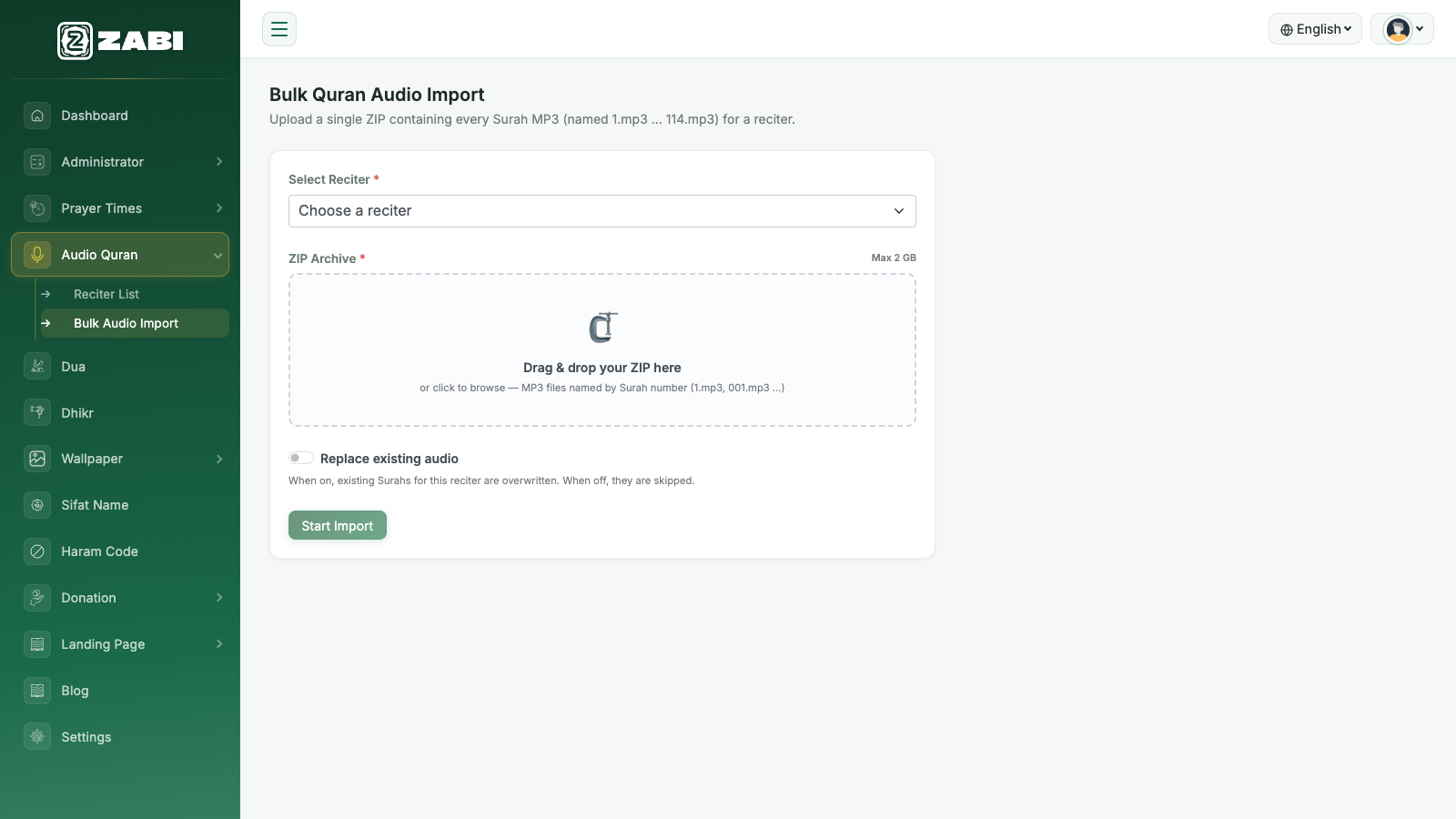
Use Bulk Audio Import to upload every Surah recitation
for a reciter in one go. Select the reciter, then drag & drop a
single ZIP file containing the Surah MP3s (named 1.mp3
through 114.mp3). Turn on Replace existing audio
if you want the import to overwrite Surahs that reciter
already has; leave it off to skip ones that already exist.
Dua
-
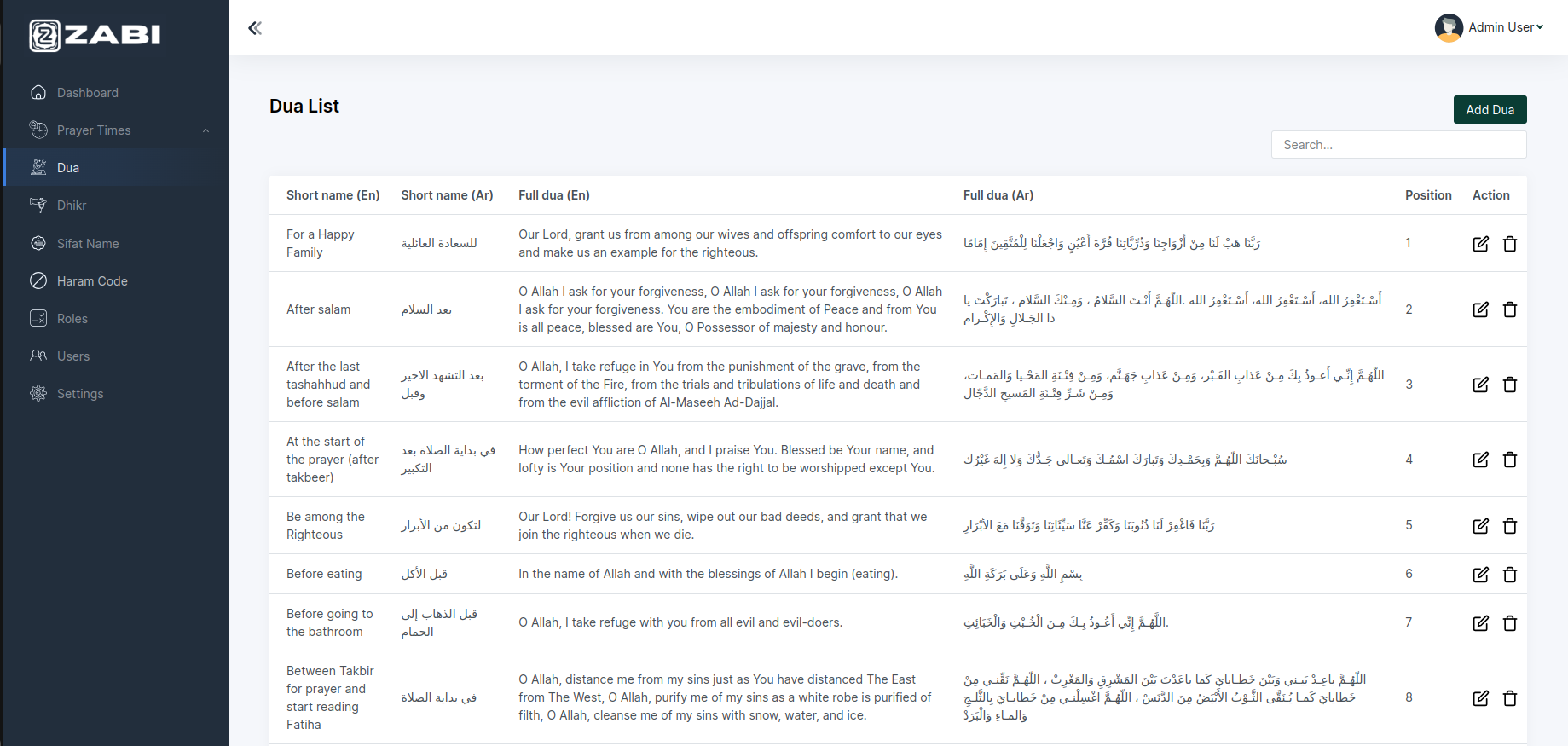
From here you can see dua list besides can add, sort, edit
and remove dua very easily.
Dhikr
-
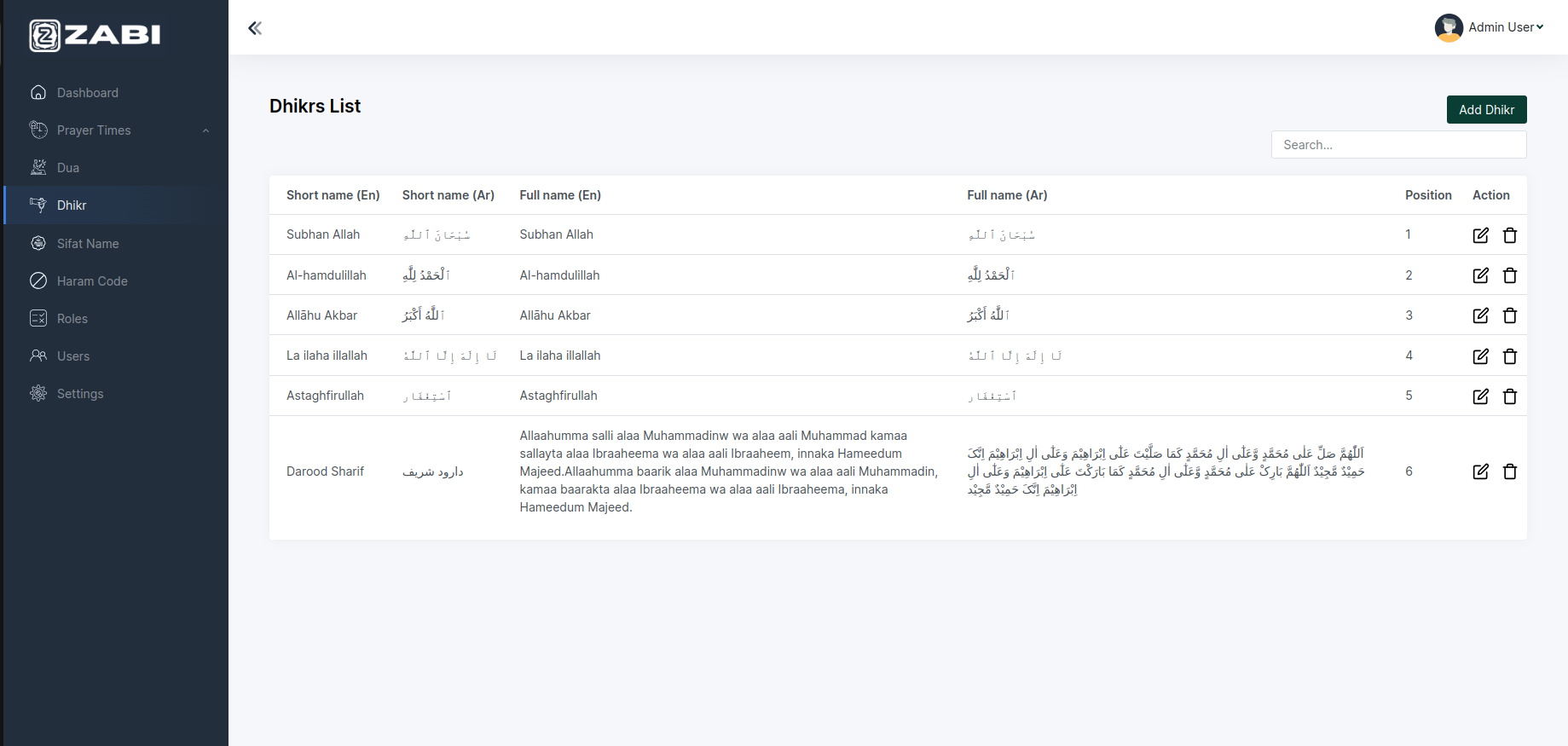
You can view dhikr list as well as can add, sort, edit and
remove dhikr very easily from here.
Sifat Name
-
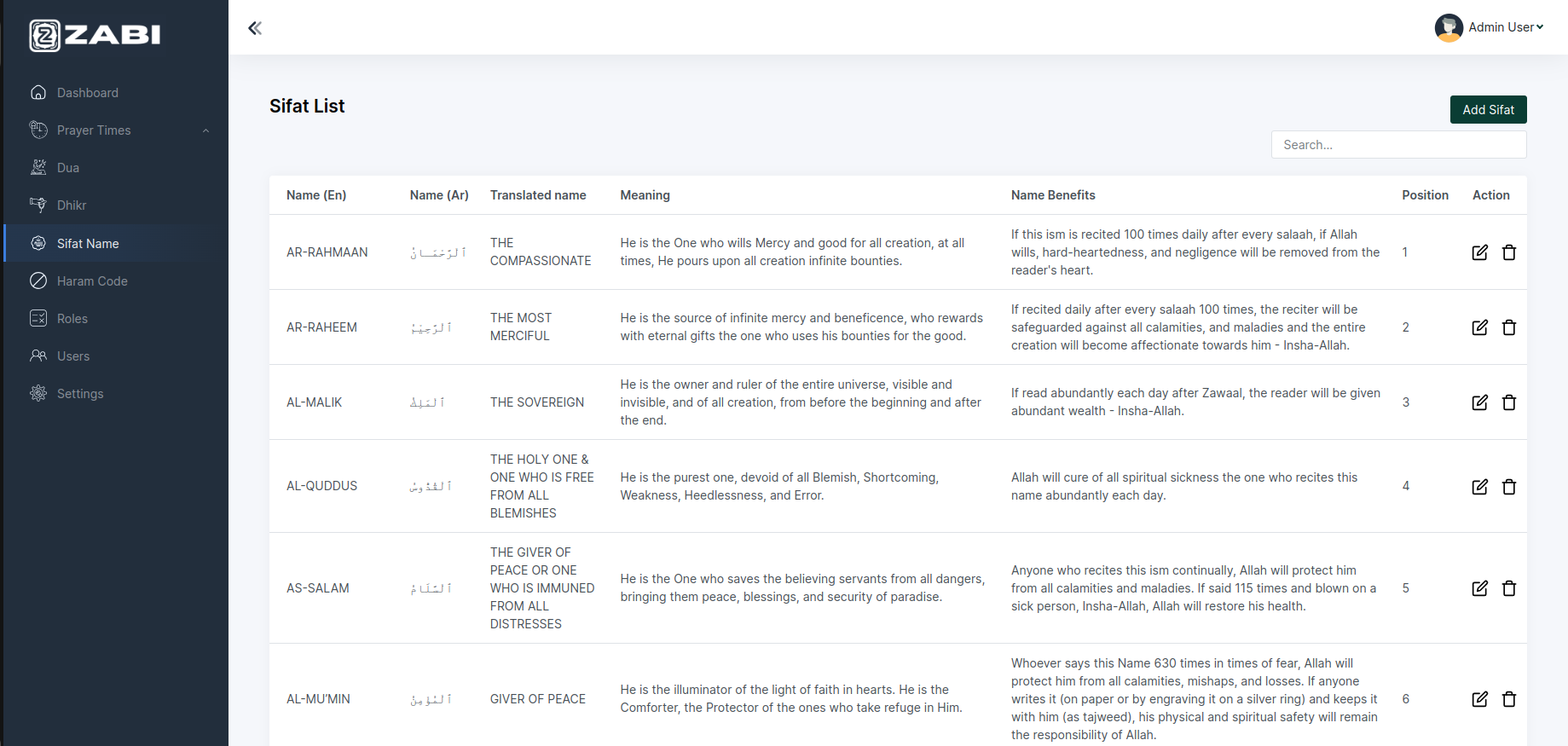
From this section you can view the entire list of Allah’s Sifat
names, meanings and the benefits of those names. You’re
simply able to add and remove any name of Allah of your
choice.
Haram Code
-
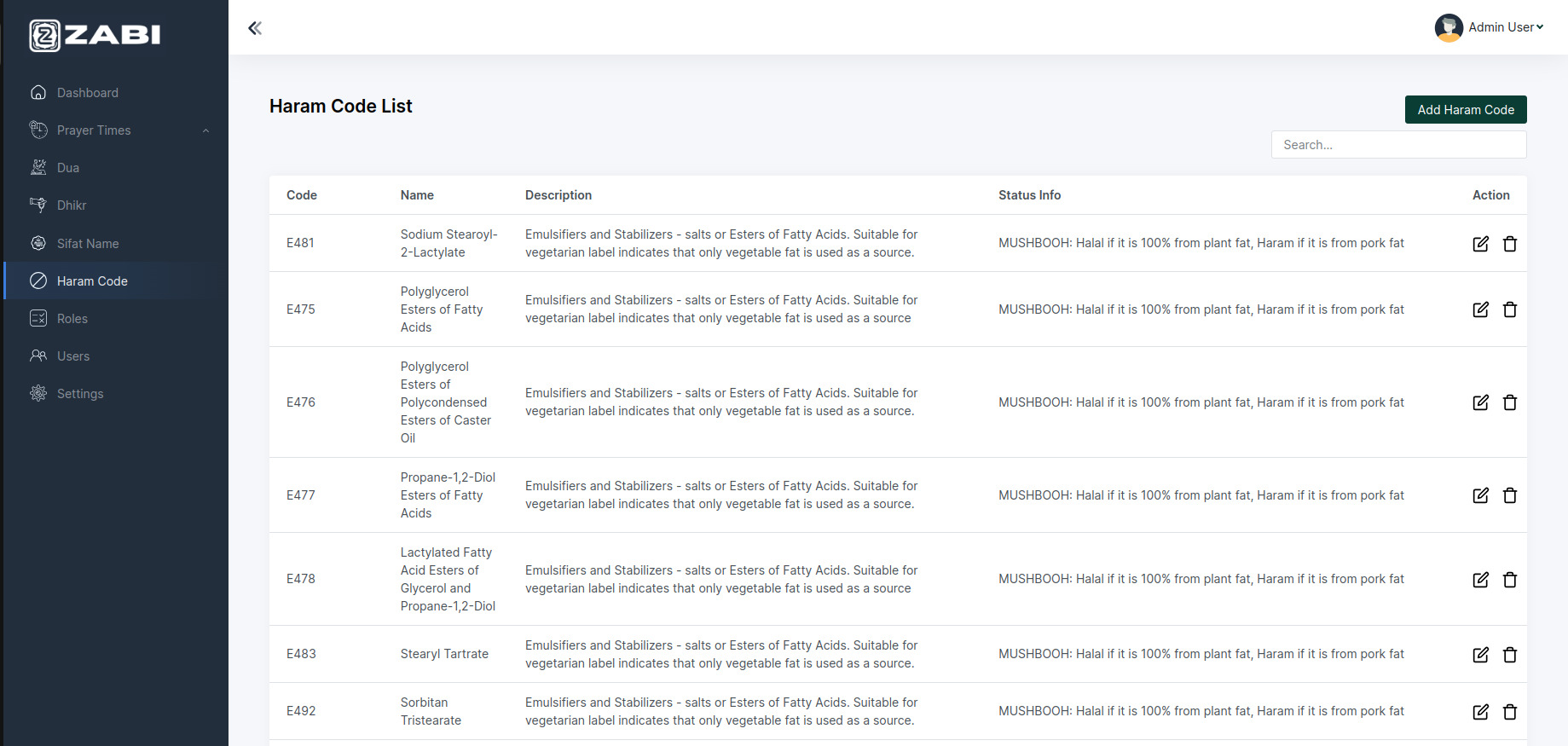
In this section you’ll find the latest & updated haram code of
various products from around the world. You can add more
haram codes also.
Roles
-
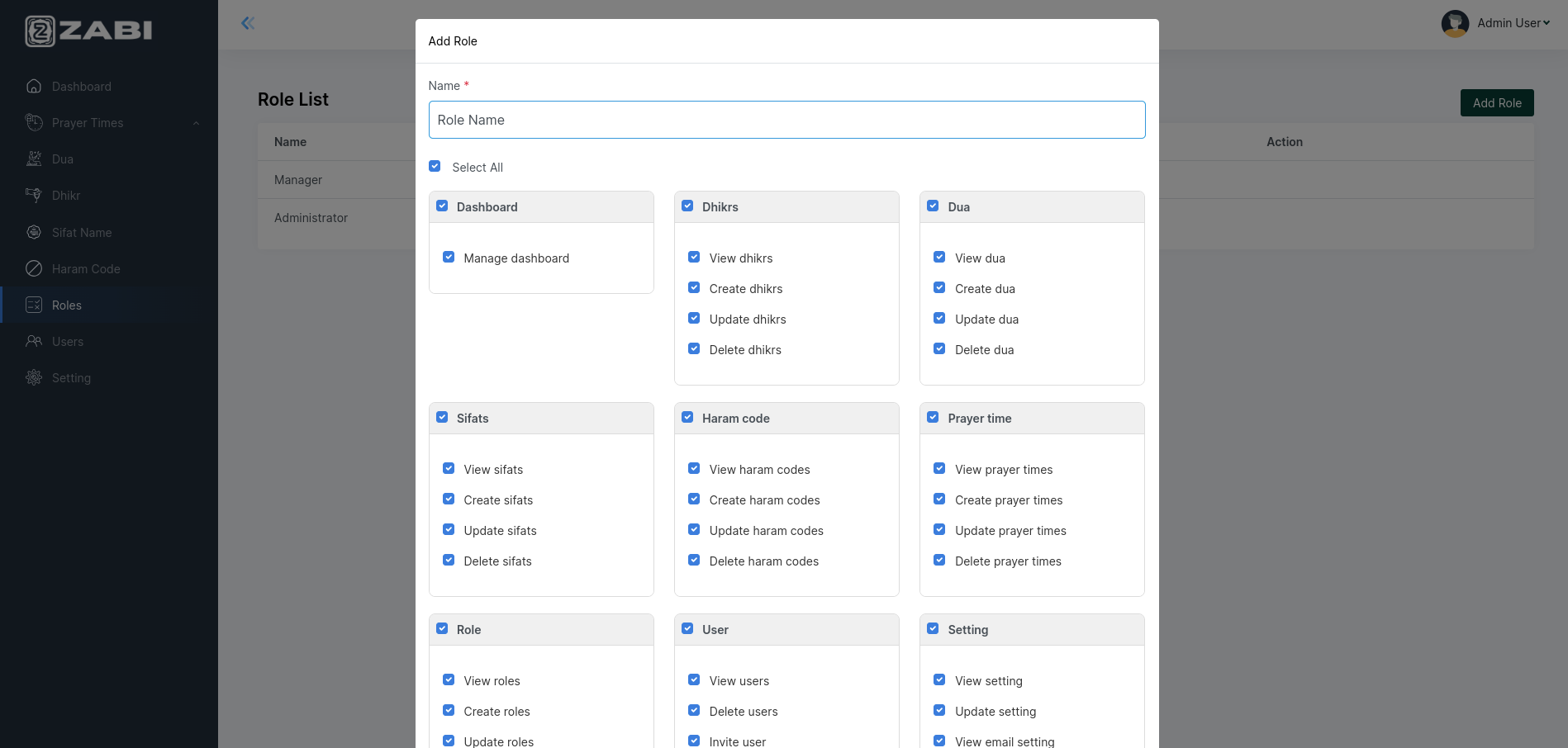
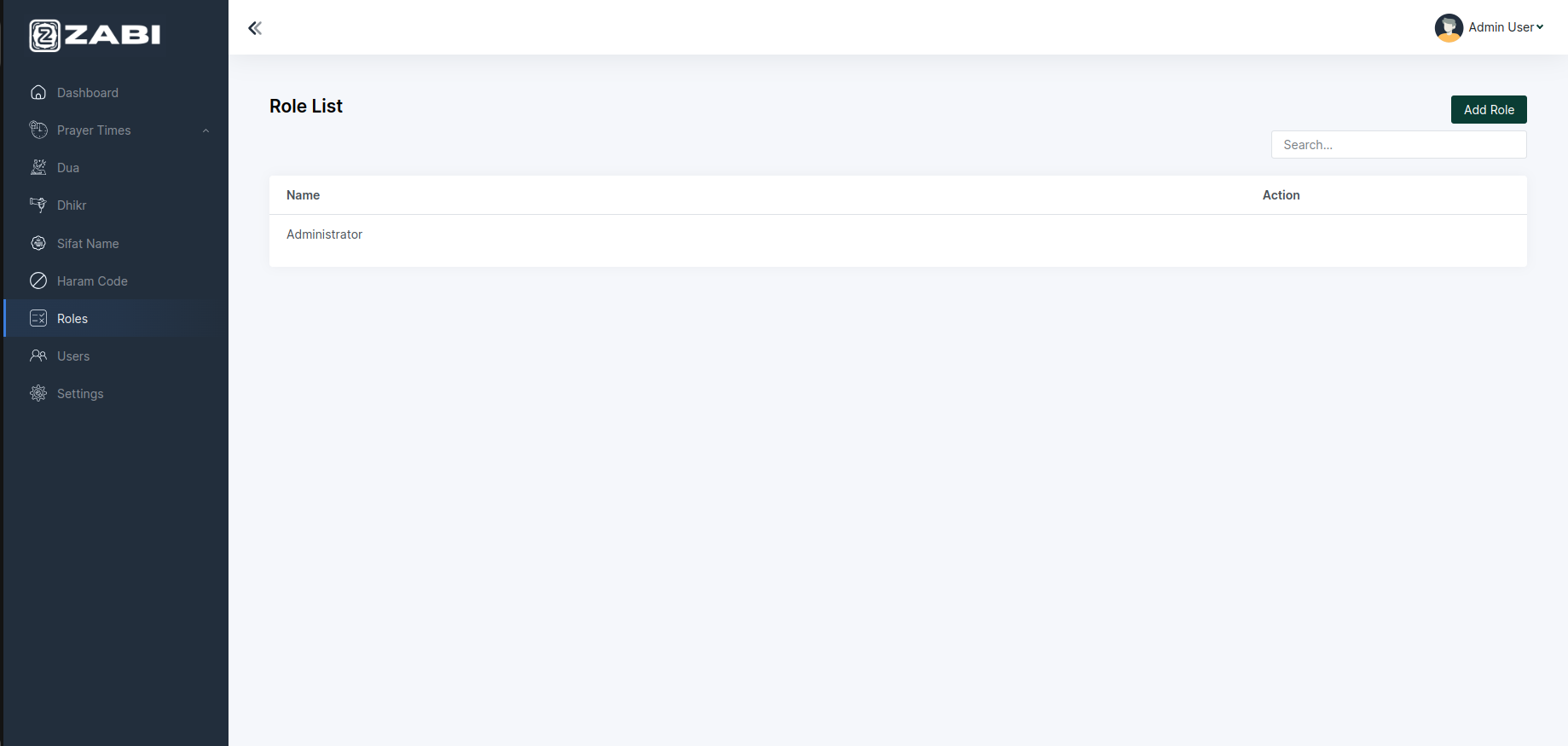
In this section you can set the role of various persons. Like the
role of managers and the other admin persons.
Users
-
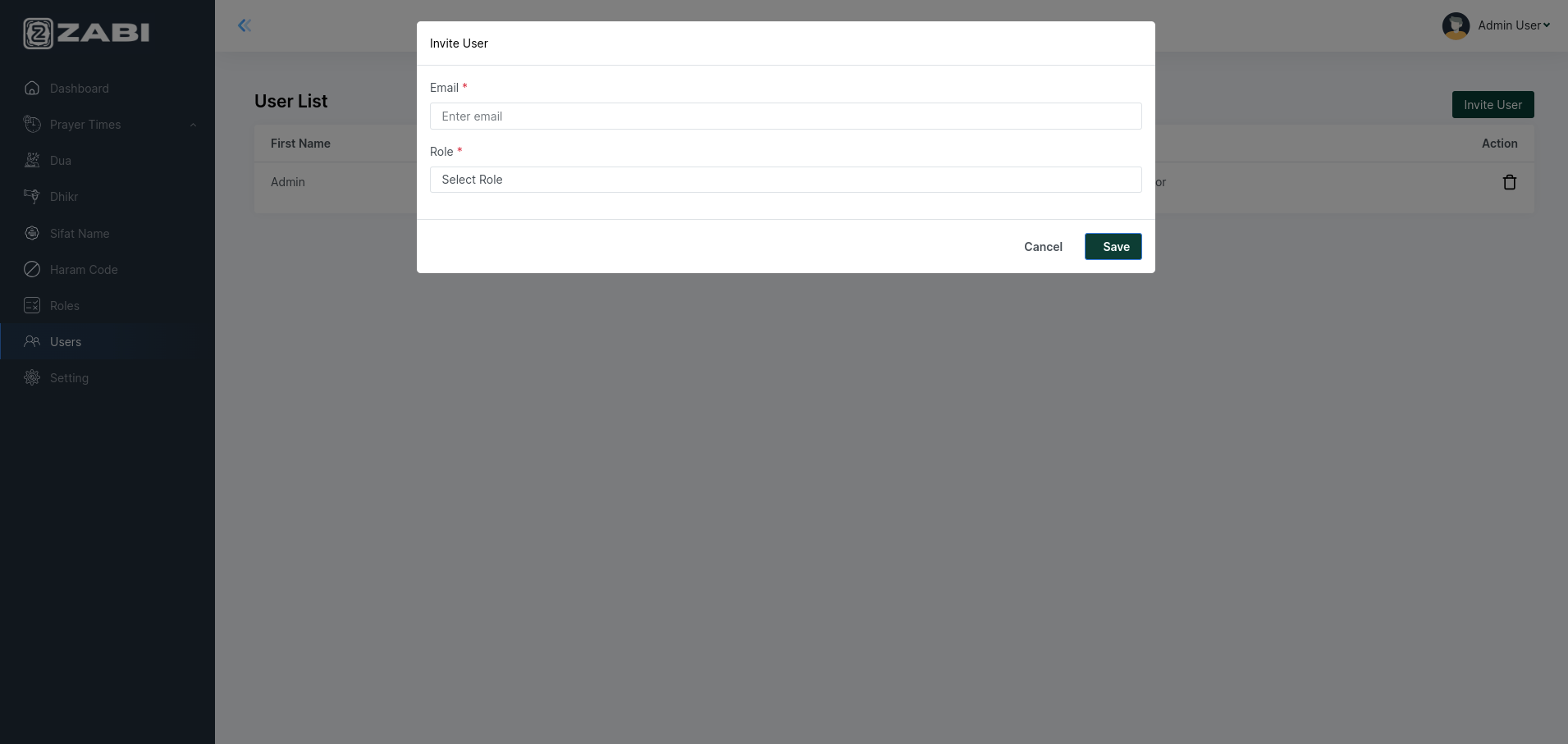
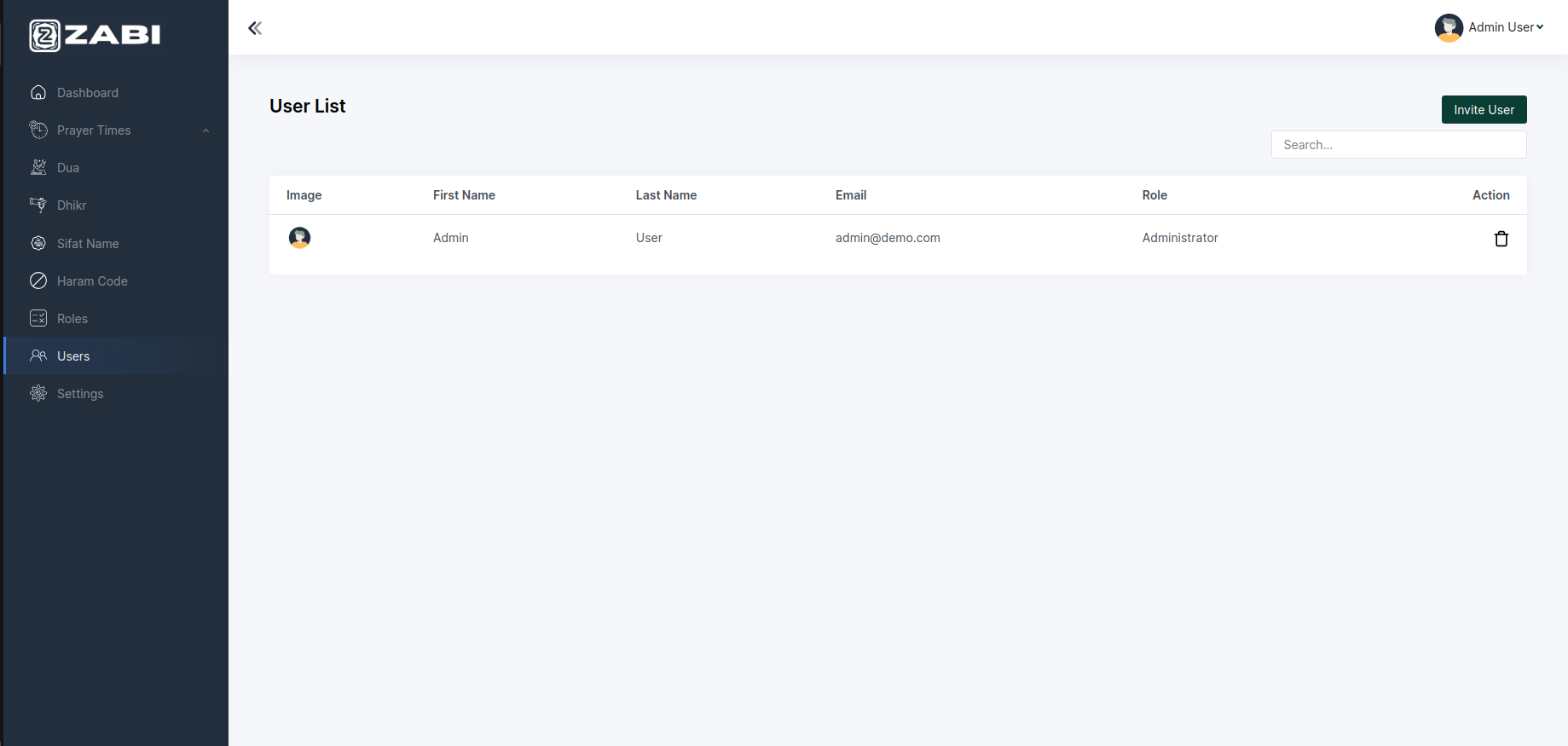
Here you can add role wise user for your system.
-
Here you get the entire user list and their email addresses as
well as their roles. You can invite new users also.
Settings
-
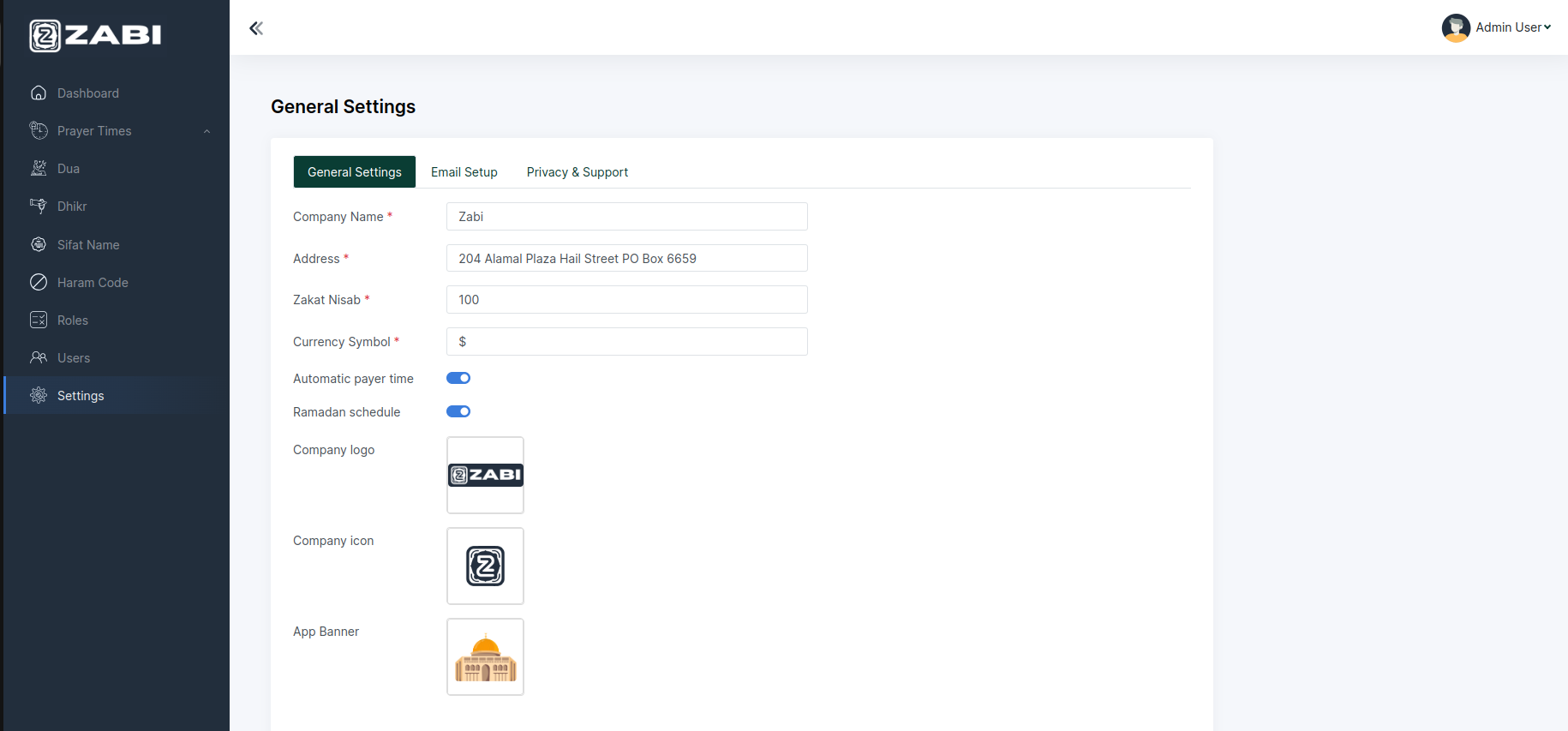
You can consider this section as a control panel. From here
you can view the current state and make changes the
information of your business very quickly.
- You can change Apps banner by changing App Banner
- You can Haram & Zakat information from here for the app
-
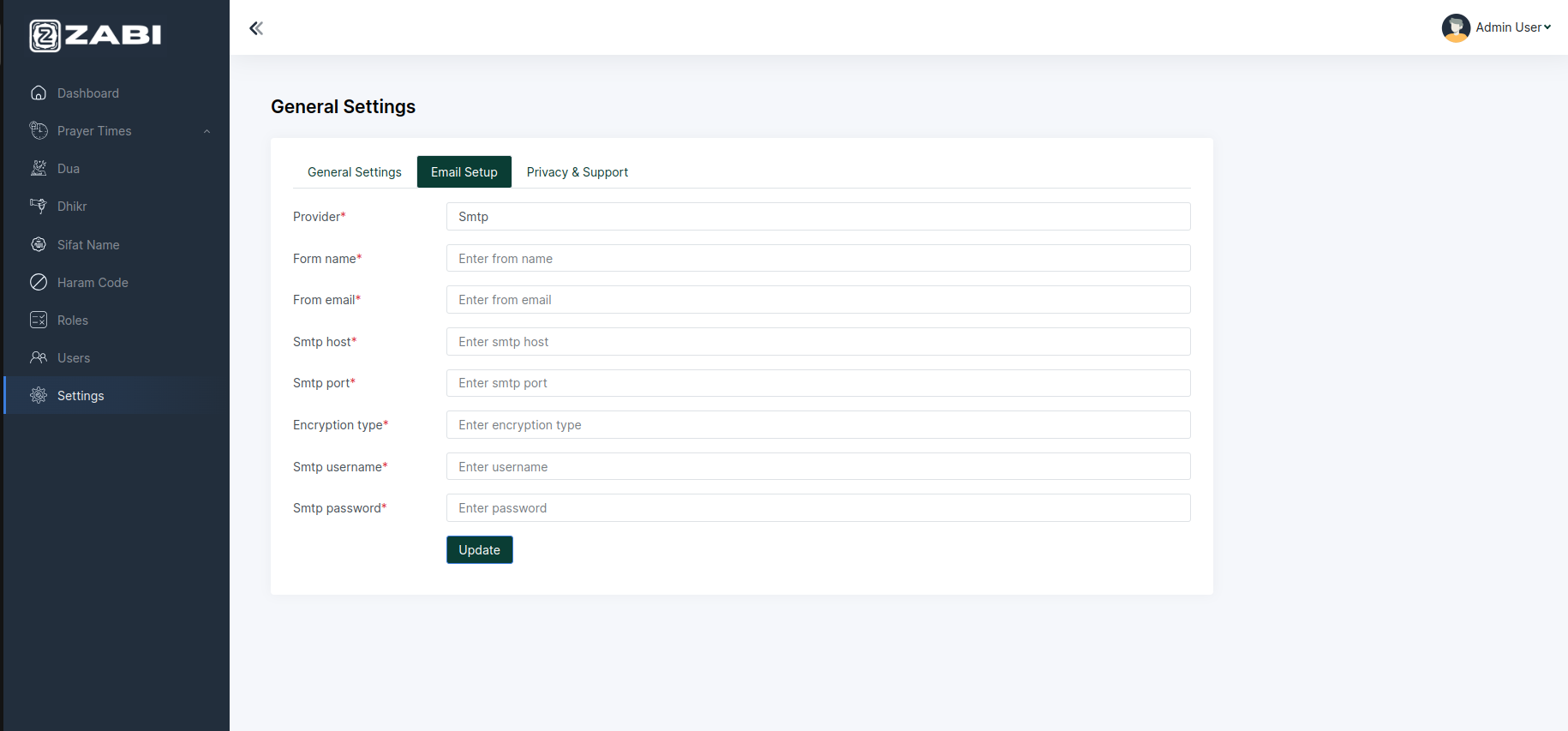
You can setup email credentials from here.
-
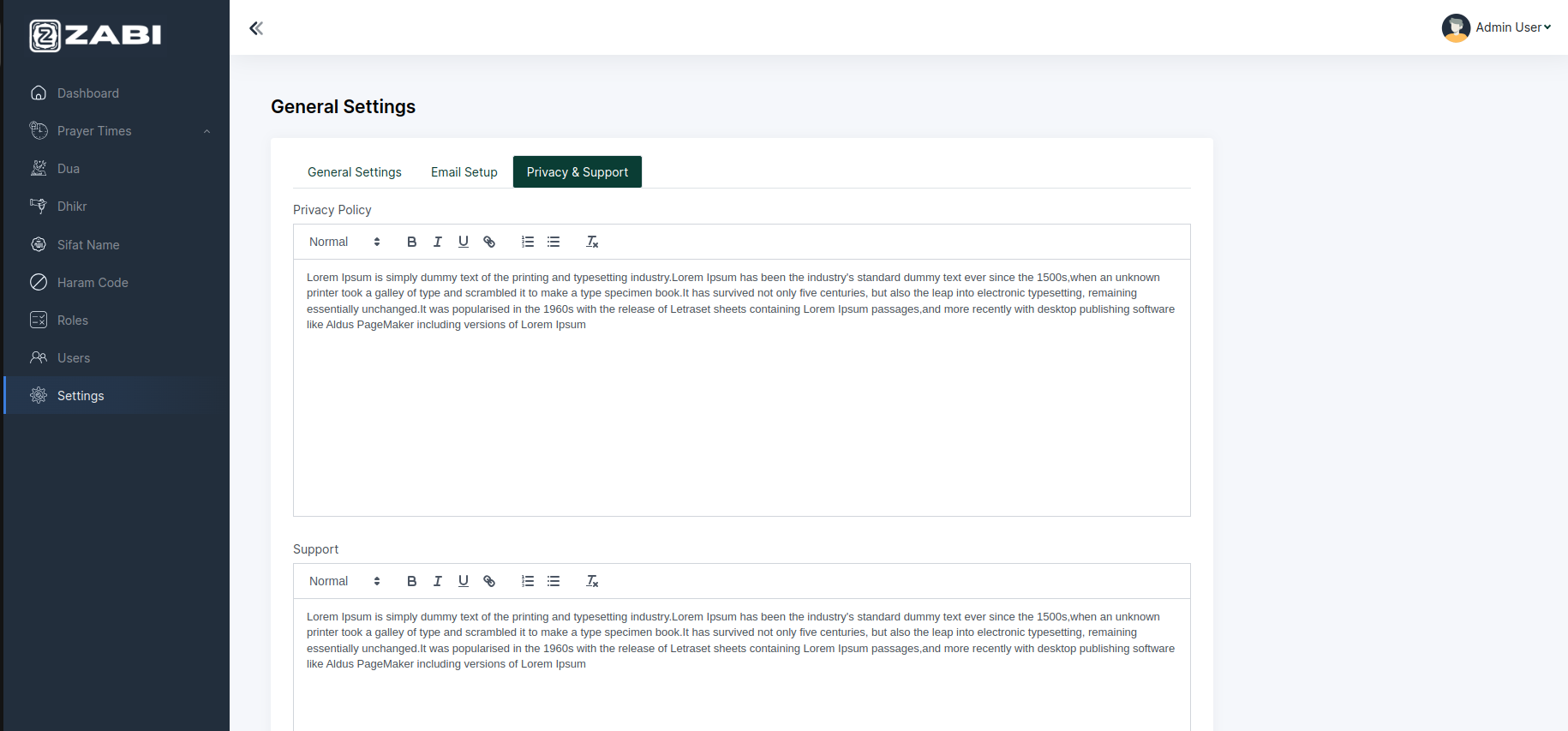
You can setup update applications privacy policy , support policy , terms and condition from here.
-
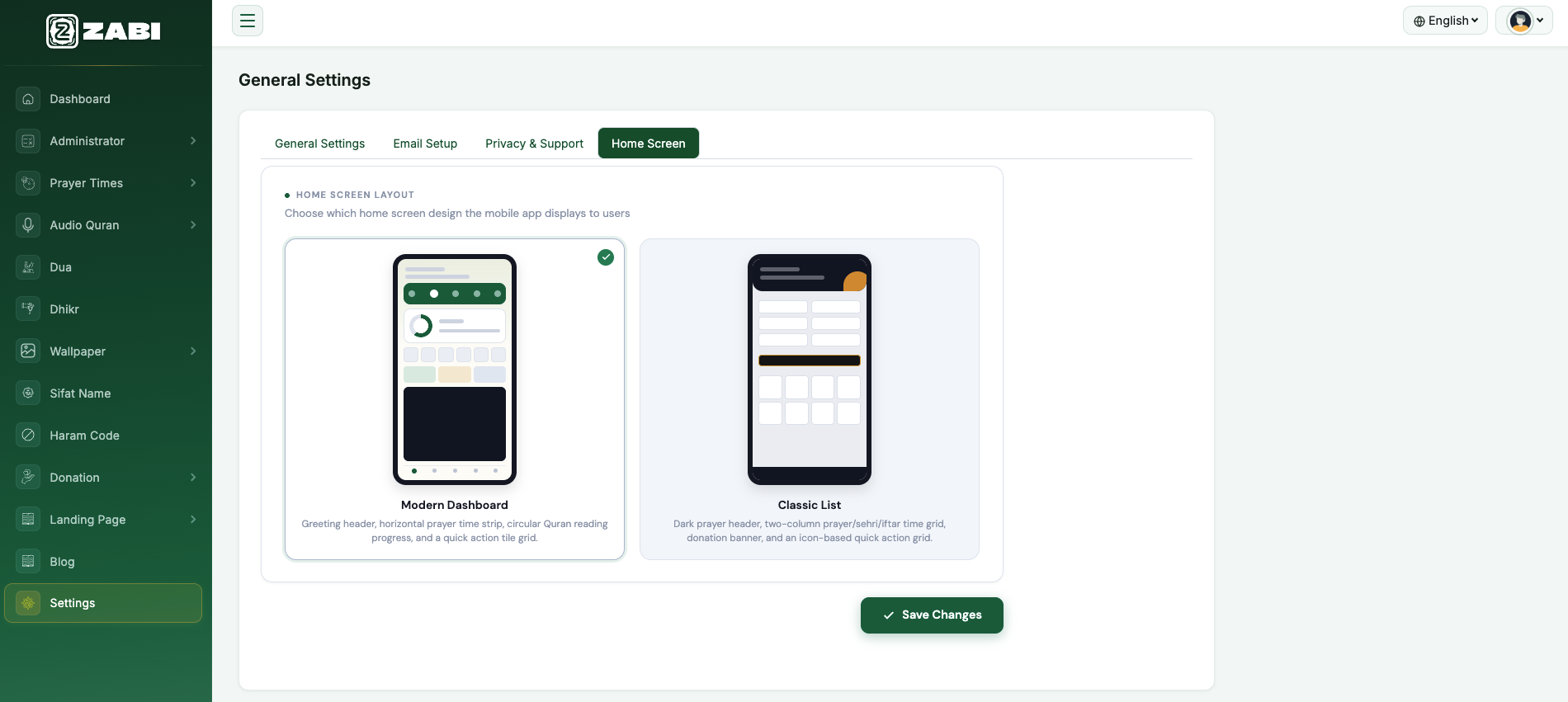
From the Home Screen tab you can choose which home
screen layout the mobile app shows to users — either the
Modern Dashboard or the Classic List design.